32 & 64-bit PC translation layer
PlayPc
PC games on iPhone and iPad
PlayPc in action
Screenshots
About PlayPc
PlayPc runs Windows PC games on iPhone and iPad. Sign in to Steam, Epic Games or GOG, download the games you own and play them on your device. No computer and no streaming.
Features
- Game stores: Sign in to Steam, Epic Games and GOG, see your library and download your games.
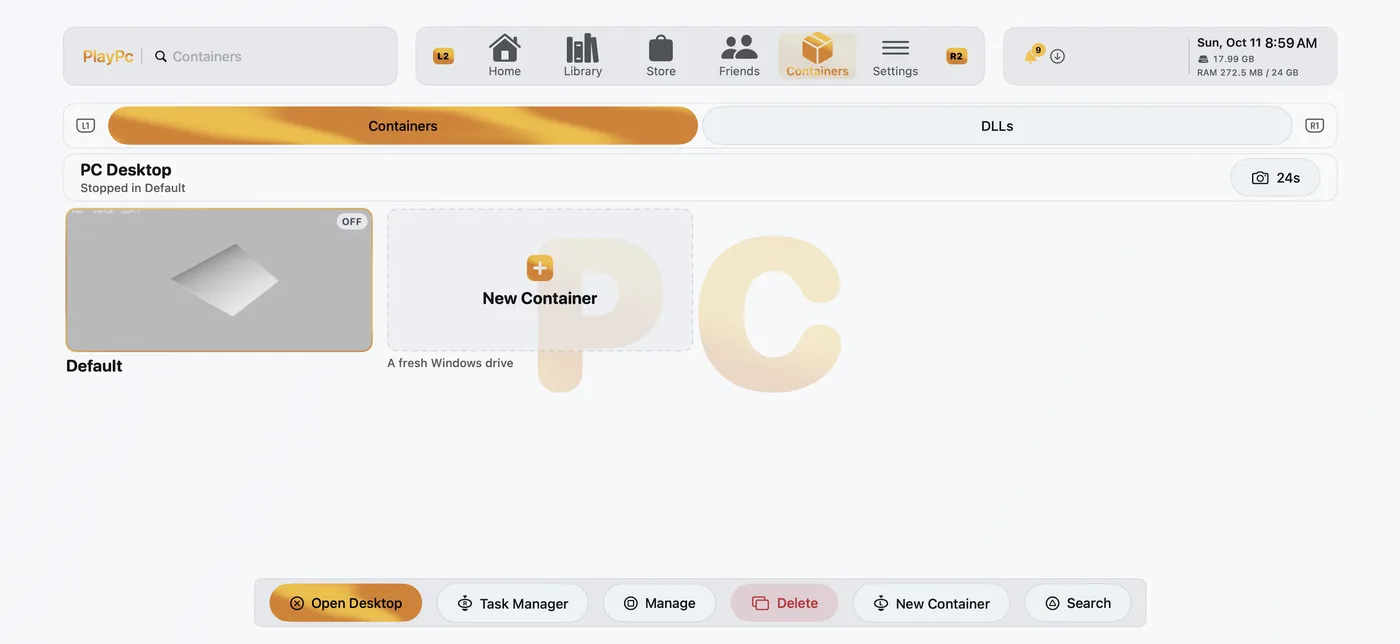
- Containers: Make your own Windows setup and run programs and installers in it.
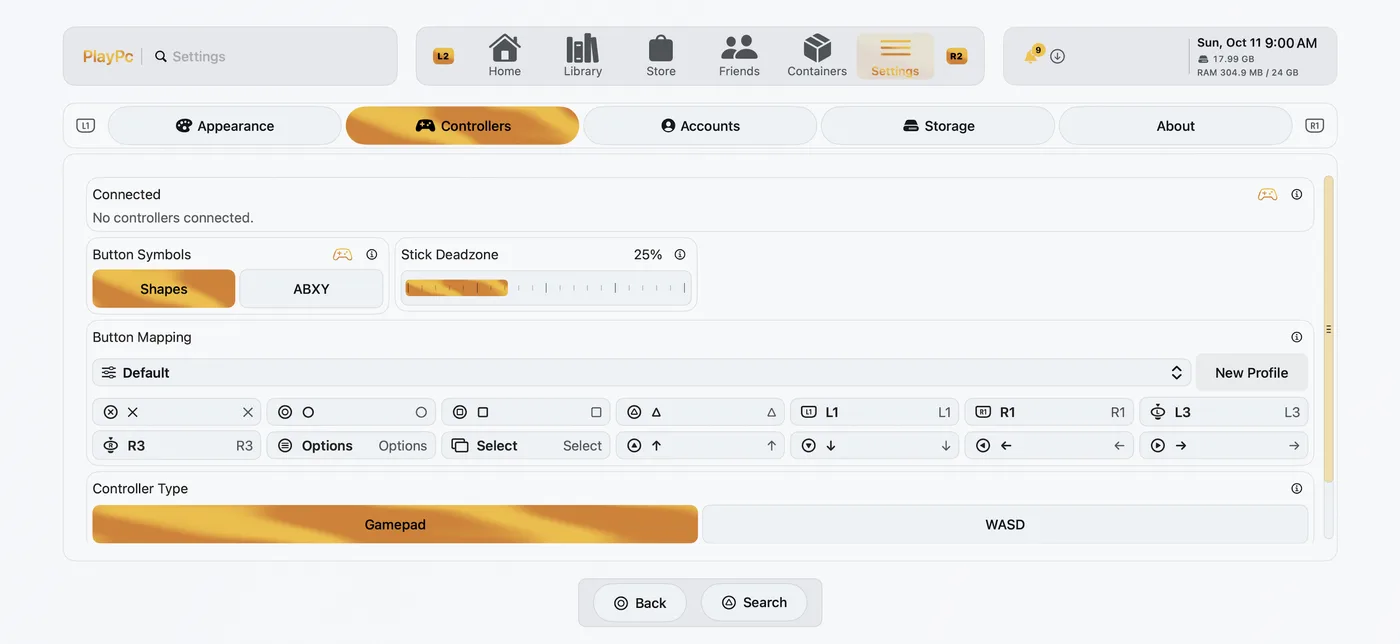
- Controllers: Xbox, PlayStation and MFi controllers, plus keyboard and mouse.
- Touch controls: On-screen buttons and sticks, with a layout you can edit for each game.
- Graphics: Direct3D 9, 10, 11 and 12 run on Metal, with upscaling and frame generation.
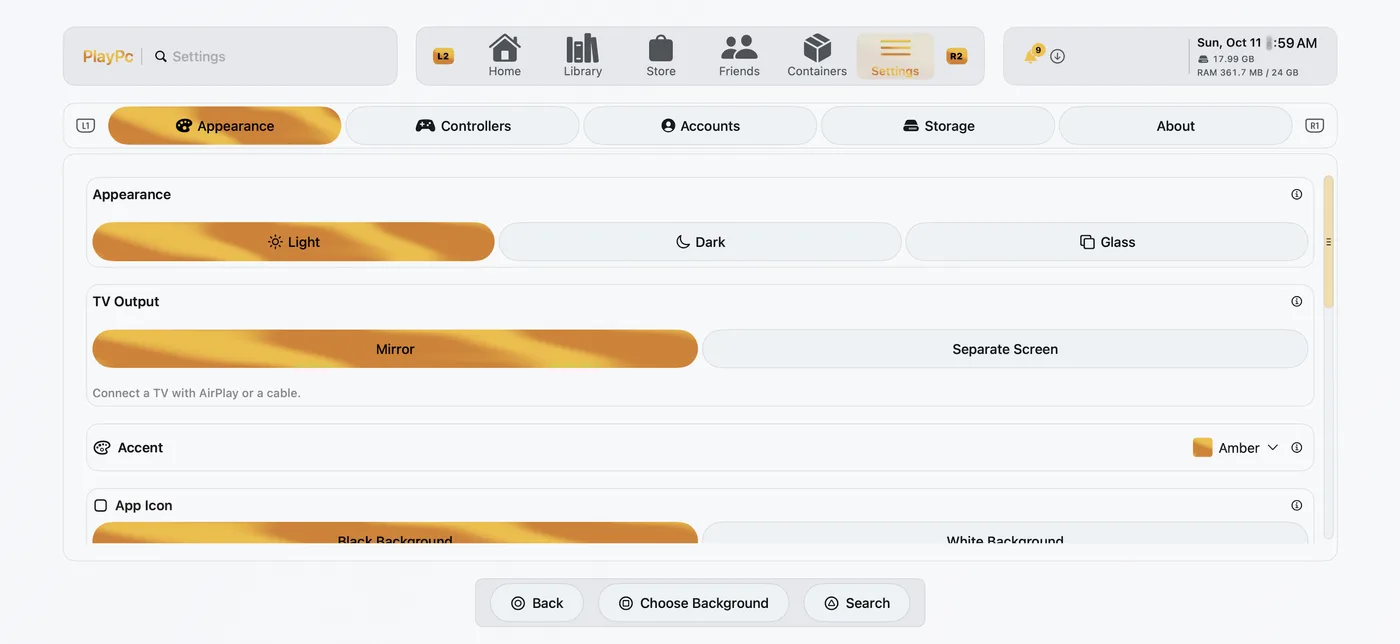
- TV: Play on an external display or with AirPlay.
- Compatibility: See how each game runs on devices like yours before you play.
- Performance profiles: Games pick up tuned settings from shared performance data without an app update.
Requirements
- Device: iOS 17.0 or later on iPhone or iPad. Play in portrait or landscape.
- Games: 64-bit or 32-bit Windows PC games you own on Steam, Epic Games or GOG, or a game's own Windows installer.
- Storage: Free space for the games you download. A game takes as much space as its installed files.
- Internet: To sign in, download games and check your account.
- Anti-cheat: Online modes that need BattlEye or other kernel anti-cheat do not work.
- Performance: How well a game runs depends on the game and the device. Check a game's compatibility in the library before you play.
What PlayPc does with data
- Adds performance reports up into totals per game and device model, such as frame rates and how well a game runs. The library shows those totals.
- Uses your SharkPond account for the 3 day test and Full Access.
- Uses Report a Problem reports to fix PlayPc.
What PlayPc does not do
- Sell your data.
- Share it with advertisers or data brokers.
- Track you across apps or websites.
- Upload your saves, game files or logs. A screenshot and the end of a cleaned session log leave the device only when you send Report a Problem.
Every field PlayPc sends is listed in the privacy policy.
PlayPc Full Access
Signing in to stores and downloading games is free. A free SharkPond account plays for 3 days. PlayPc Full Access unlocks games and containers: buy it once for $2.99 and keep it, or subscribe to PlayPc Full Access Weekly for $0.99 a week. The subscription renews each week until you cancel it. Terms of Service.
Information
- Provider
- Dylan Mathurin
- Category
- Entertainment, Games
- Compatibility
- Requires iOS 17.0 or later
- Languages
- English
- Price
- Free, PlayPc Full Access $2.99, PlayPc Full Access Weekly $0.99 a week
- Version
- 1.0
- App Store
- PlayPc →
Legal & Licenses
PlayPc does not include games or Microsoft software. You play games you own from your own store accounts. PlayPc is not affiliated with Valve, Epic Games, GOG or Microsoft.
Open source
Wine and the other LGPL libraries in PlayPc keep their own licenses. Every notice and license text ships in the app under Settings, About, Components. For the LGPL source code offer, see Support.